Looking for a particular Chapter, Mentor Session or perhaps a Live Trading Archive where Ross uses his Eye Tracking software?
TABLE OF CONTENTS
- How to use Search:
- Explore Courses and Chapters from the Warrior Pro Syllabus:
- What's New? Look for Content Updates:
How to use Search:
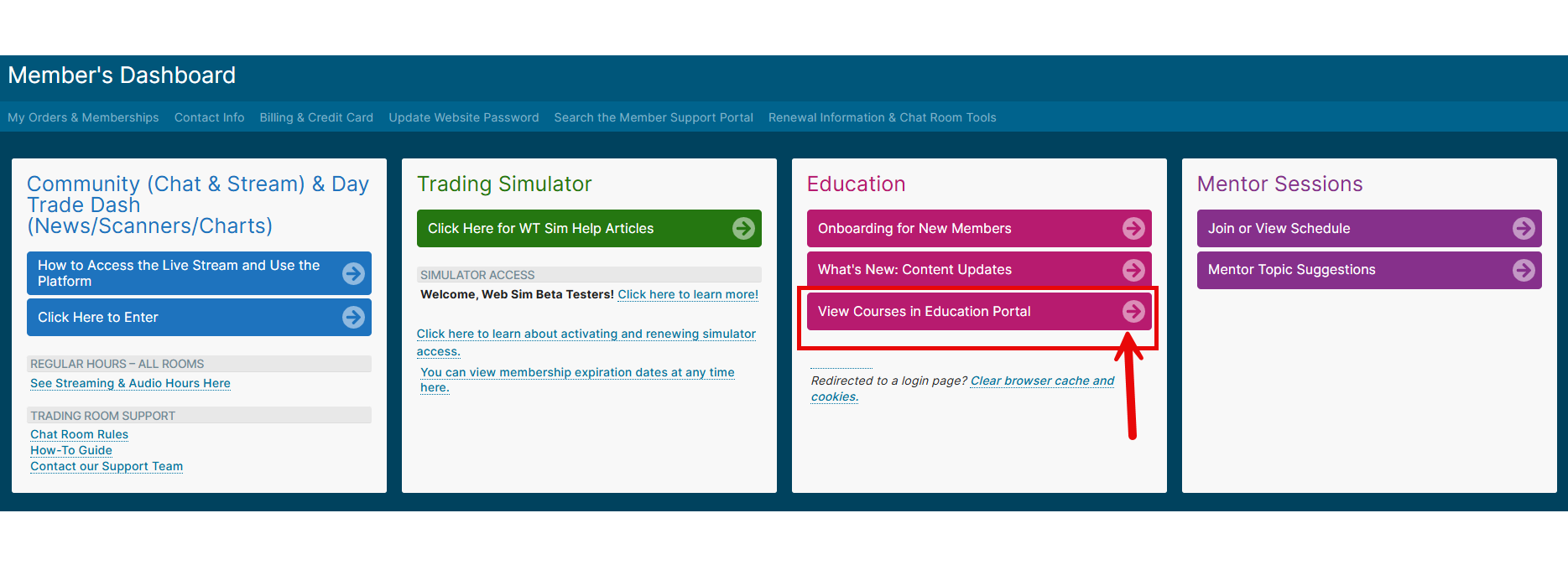
- From the Member's Dashboard, click the pink button, "View Courses in Education Portal".
 Next, select the course you are interested in from the list of "My Courses".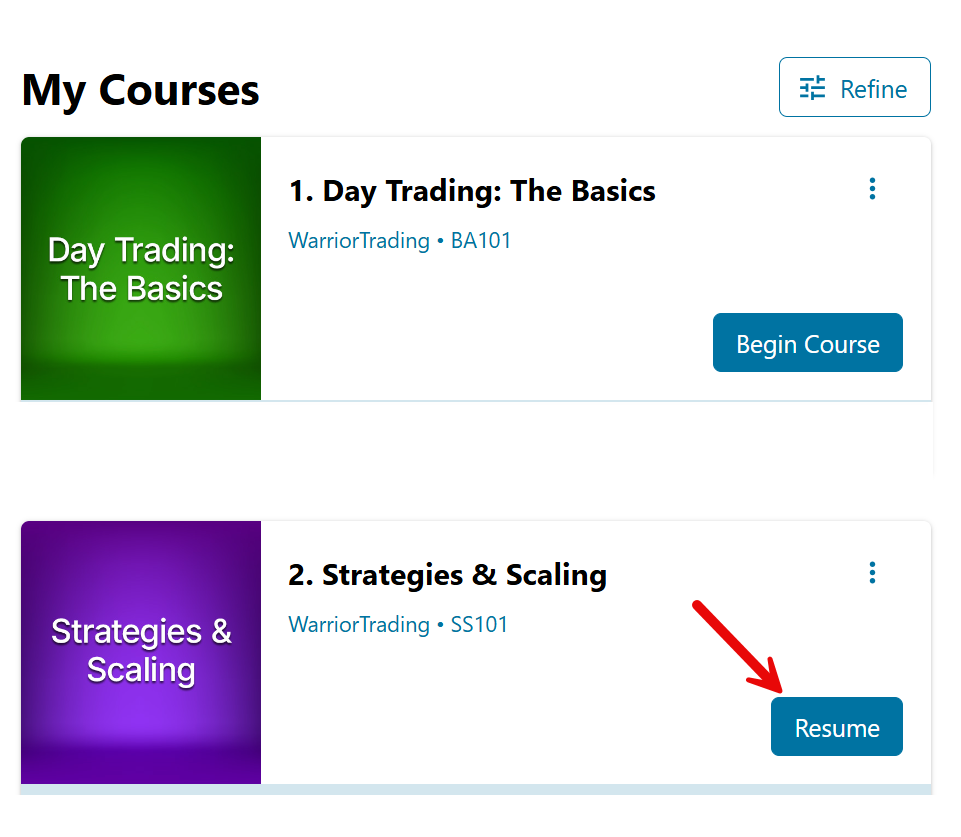
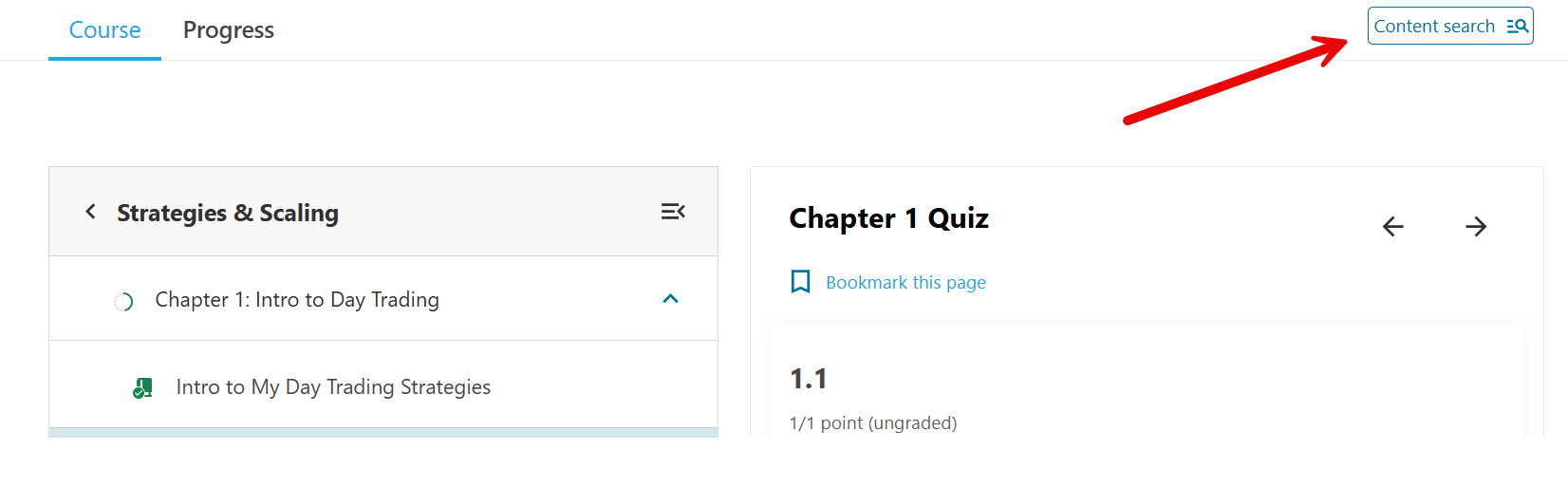
- Click the "Content Search" button on the top right corner of the Course:
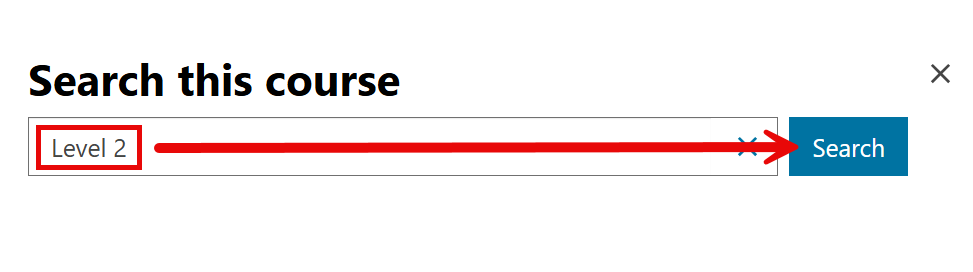
- In the Search Box, enter a key word, phrase, or topic you want to search for. When searching by date, enter in this format: M/D/YYYY (ex: 5/22/2018 for May 22, 2018 or 11/5/2019 for November 5, 2019).
- Click "Search". This will pull up a list of chapters or pages within this course that match your search. In this example, we searched for content with the keyword, "Level 2" from the Strategies and Scaling Course.
Explore Courses and Chapters from the Warrior Pro Syllabus:
Please click this link to the Warrior Pro Syllabus.
What's New? Look for Content Updates:
Updates to Warrior Trading Content, Chapters, Live Trading Archives, and Recorded Mentor Sessions can be found on this page: Member Educational & Content Updates | WT : Warrior Trading
Happy learning!